 Exhibit
How Exhibit works
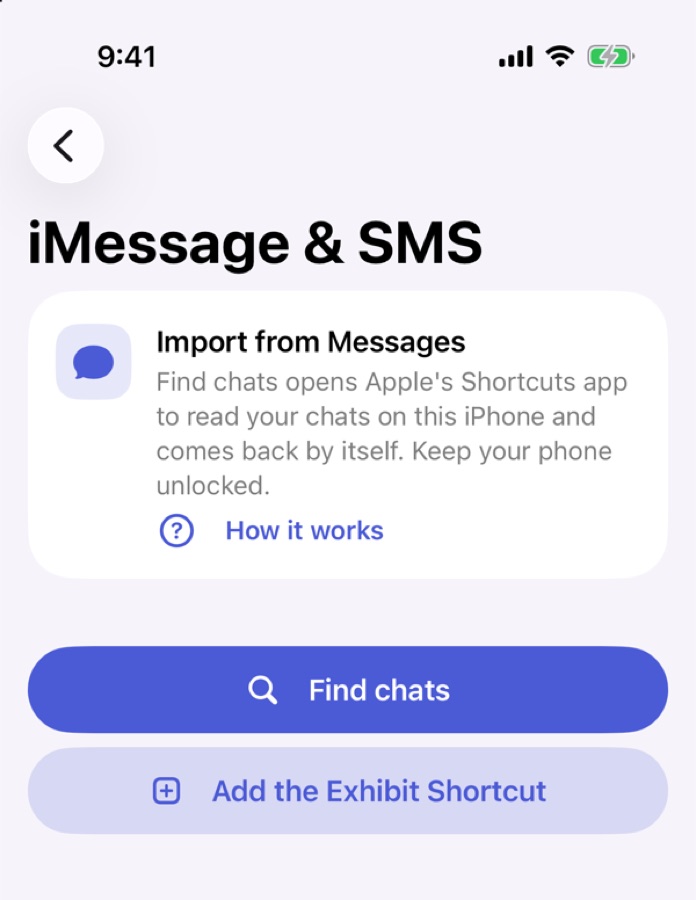
iMessage and SMS
Add the free Exhibit shortcut to Apple's Shortcuts app once, with one tap. In Exhibit, pick a conversation and a period. The shortcut reads those messages on your iPhone and hands them to Exhibit. Apple Shortcuts cannot export photos, videos or files from Messages, so Exhibit lists each attachment in the PDF where it appeared.
In WhatsApp, open the chat and use Export Chat. Choose Exhibit, or save the file and open it in Exhibit.
Export
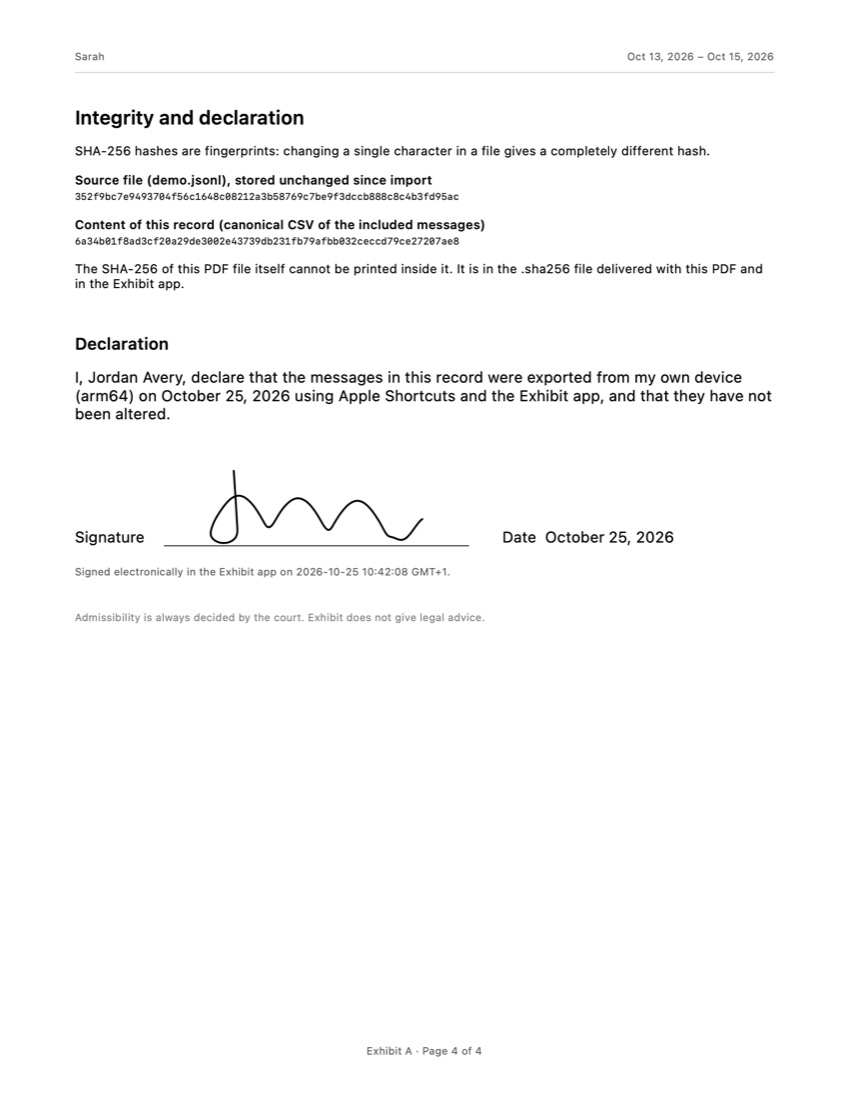
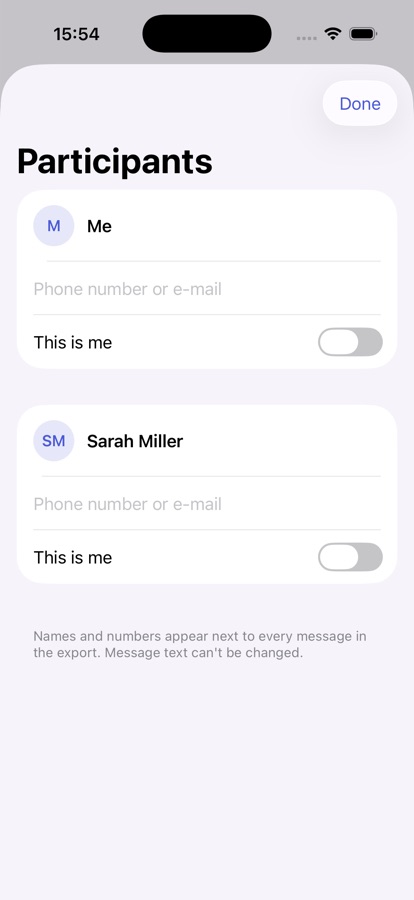
Mark who you are in the conversation, then export a PDF, CSV or TXT file. The PDF has a cover page, a numbered transcript, an attachment index and an integrity page with SHA-256 fingerprints and a declaration. You can sign that declaration with your finger in the app, or leave the lines blank to sign with a pen.